Whereas this configuration with the same Load centre selected 4 times is not allowed:
Generation tab in model data
EnergyPlus provides a range of different on site electricity generation options and these are coordinated during the simulation through use of one or more Electric load centres. These define how the various generation components are operated and coordinated together.
DesignBuilder currently supports various types of electric generators PV, BIPV, Wind, Internal combustion engine and micro turbine.
Settings for electricity generation are made at Building level on the Generation tab under the On Site Electricity Generation header.
Check the Include electric load centres checkbox to model electric generation.
Set the number of electrics load centres to be modelled. Choose a value from 1 to 30.
Create and select a load centre for each of the load centres from 1 to the Number of electric load centres defined.
Note: The order of the Electric load centre objects selected on the Generation tab is significant and is used to structure how generators are dispatched, the first load centres and generators being managed before the later ones.
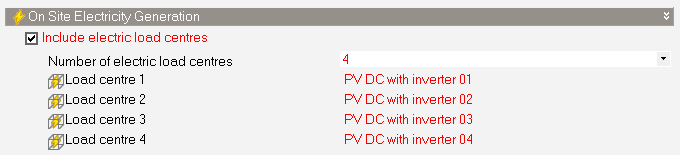
Note: Each Load centre can only be selected once. If you have multiple similar Load centres, each must be defined separately. For example, this configuration is allowed:
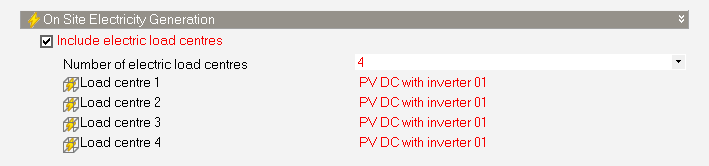
Whereas this configuration with the same Load centre selected 4 times is not allowed:
See also: