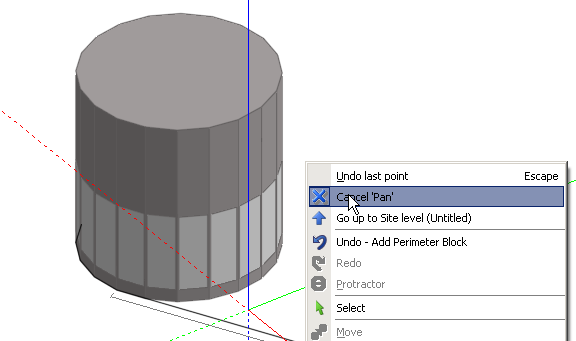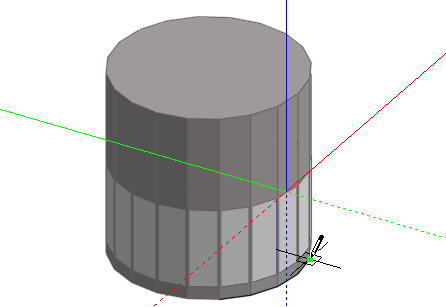
A range of view controls are provided to allow you to change the point of view for the model and how the model is to be shown on the screen:
When on the Edit screen, the View tools can be activated at any time during operation of the drawing tools. Control is returned to the active drawing tool after completing the view process. For example to draw a block perimeter adjacent to an existing cylindrical block:
To continue drawing the perimeter around the other side of the cylindrical block, click on the Orbit tool and orbit the model to reveal the other side and then use the Pan tool to centre the model:
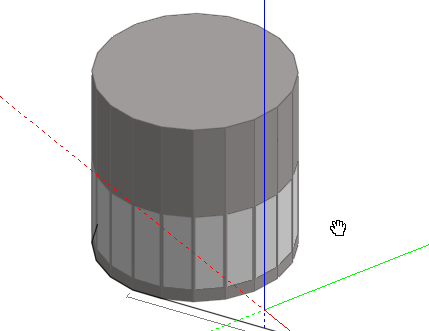
You can then resume the drawing process either by pressing the <Esc> key or selecting 'Cancel Pan' from the right-click menu: