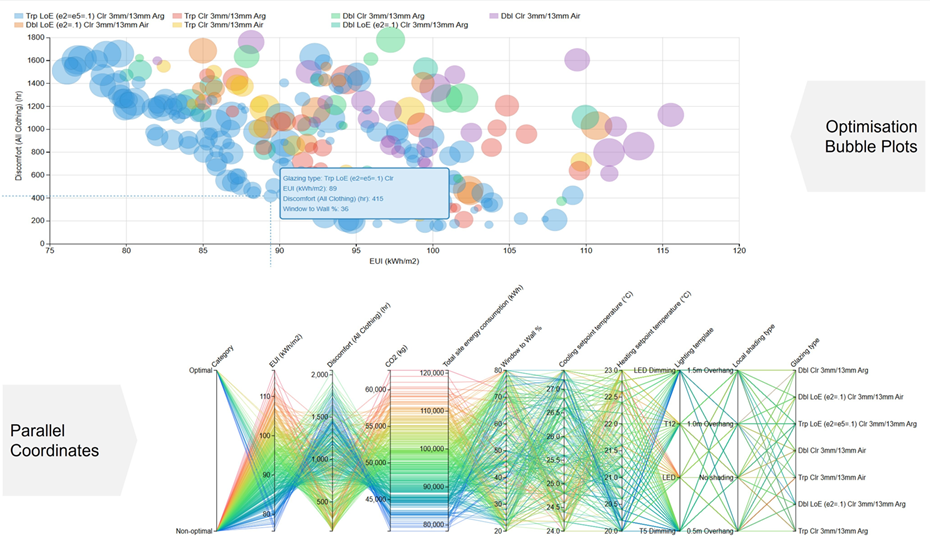
Insights
How to access Insights
The Insights website can be accessed through any web browser by pointing it to the DesignBuilder Analytics portal at analytics.designbuilder.co.uk
Registration
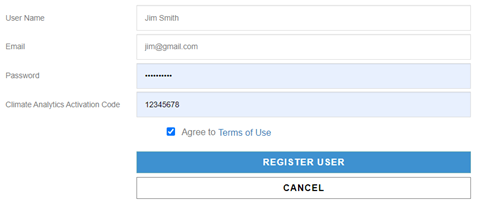
You need to register with an email address and a password before you can sign in. You can register for free by entering the special "guest" activation code 12345678, as shown in the screenshot above.
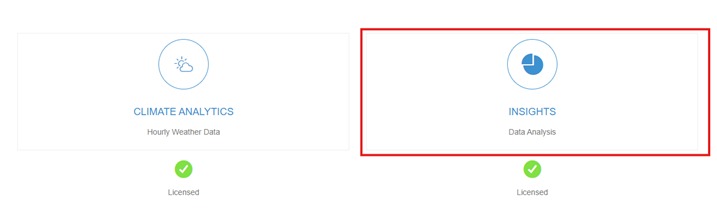
Once signed in, you will see the Analytics opening page, where you can click on the "Insights" button to access the Insights web app.
After logging in, you'll see a list of previously uploaded projects. If this is your first time using Insights, the page may appear blank. In that case, you'll need to upload results from your parametric simulations before you can analyse them.
More details on how to use insights can he found here: Insights Program Help
Step-by-step tutorials are available here: Basic Parametric Analysis and Basic Optimisation